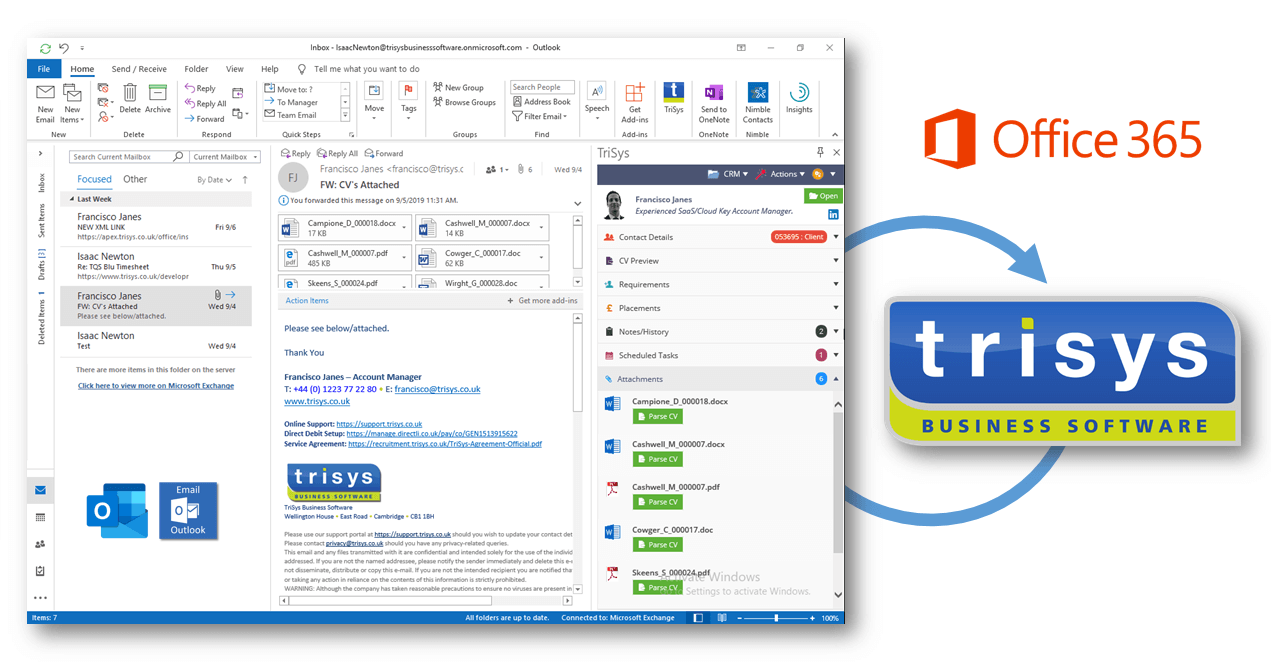

TriSys Version 7 and 8 Outlook Add-In
The original COM (component object model) add-in for Outlook has been redeveloped using the latest .Net framework tools to provide additional functionality for TriSys Version 8 customers using Office 2007, whilst also providing backward compatibility for TriSys Version 7 customers using Office 2003.
The add-in can be used on computers with both TriSys Version 7 and Version 8 installed.
This following sections details the end-user functionality of the new add-in for Outlook.
Main Toolbar
The new toolbar integrates into Outlook as a separate toolbar as shown below:

The buttons are as follows:
|
TriSys CV Auto-Recognition |
This button is used for a selected e-mail (normally the Inbox) and will take a copy of the e-mail and pass this into TriSys for auto-recognition normally of CV’s. This can also be used to import client contact e-mails when not using the Exchange Sync functionality.
|
|
Open TriSys Contact |
This button simply looks up the sender (or recipient for Sent Items folders) in TriSys based upon the e-mail address and opens the contact record in TriSys. |
E-Mail Message Ribbon
When an e-mail message is opened, a new TriSys tab appears in the ribbon (Office 2007 only):

The buttons are as follows:
|
CV Auto-Recognise |
This button is used for the currently open e-mail and will take a copy of the e-mail and pass this into TriSys for auto-recognition normally of CV’s.
|
|
Open Contact Record |
This button simply looks up the sender (or recipient for Sent Items folders) in TriSys based upon the e-mail address and opens the contact record in TriSys.
|
|
Link to Requirement |
This button is used to link the e-mail message to a TriSys requirement record. When pressed, TriSys displays a requirement search selection grid and when selected, the e-mail is recorded as a Note/History against the requirement, and also the client contact and company.
|
|
Link to Placement |
This button is used to link the e-mail message to a TriSys placement record. When pressed, TriSys displays a placement search selection grid and when selected, the e-mail is recorded as a Note/History against the placement, and also the client contact, company and candidate.
|
|
Link to Timesheet |
This button is used to link the e-mail message to a TriSys timesheet record. When pressed, TriSys displays a timesheet search selection grid and when selected, the e-mail is recorded as a Note/History against the timesheet, and also the client contact, company and candidate. |